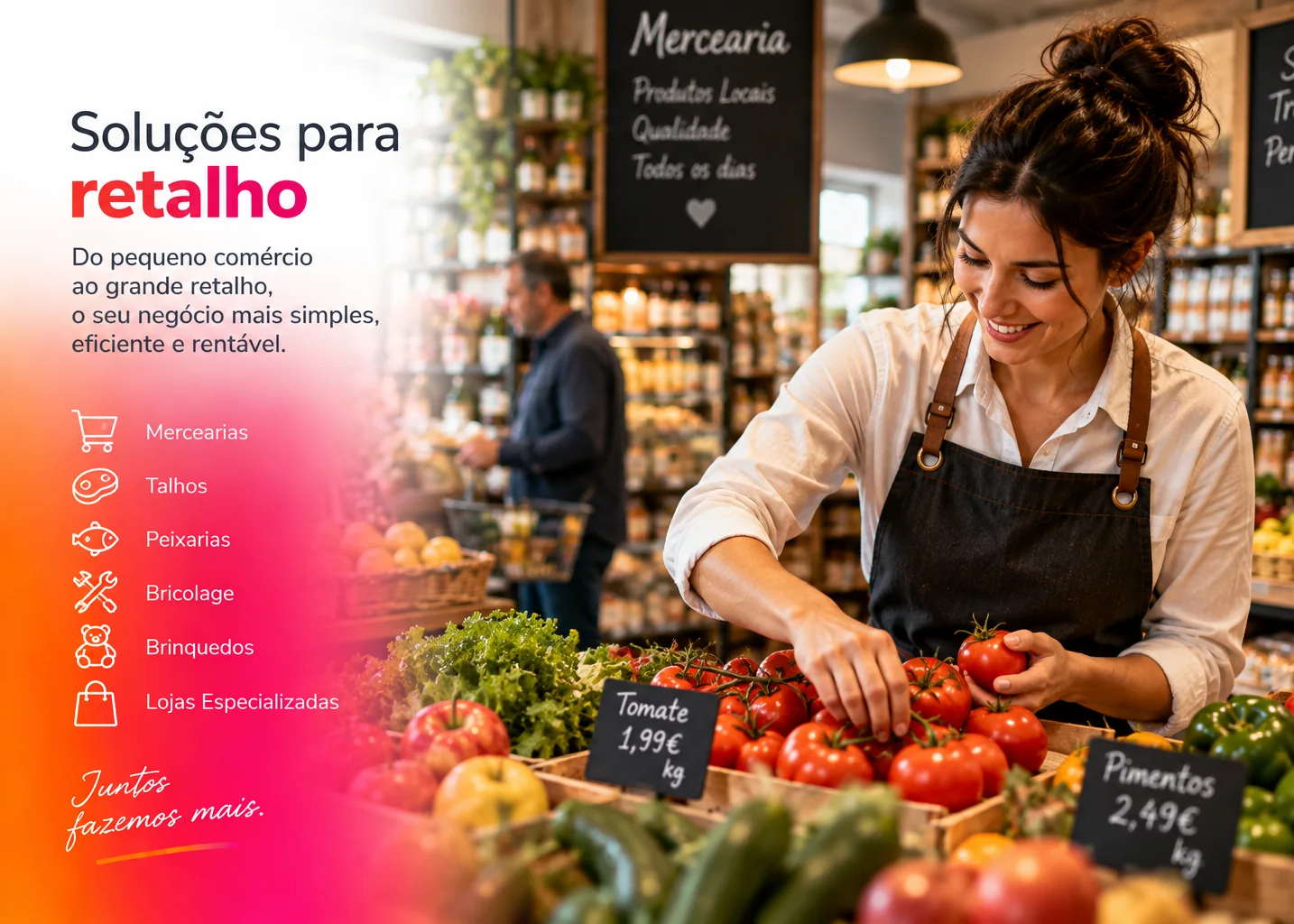
Retail
POS, stock, customers and inventory.
WinMax connects the point of sale to invoicing, customers, items, stock and business management so the counter and back office work with the same information.
POS software should simplify the moment of sale without separating service from the information management needs afterwards.
Access items and the information needed at the point of sale.
Connect the sale, customer and operation in the same flow.
Issue the business documents connected to the sale.
Carry POS information through to stock and management where applicable.
What happens at the point of sale should feed the rest of the operation without forcing duplicate work.
Service and invoicing in the same context.
References, prices and catalogue connected to the POS.
History and business information linked to the sale.
Movements and stock levels when part of the configuration.

The operation can be complemented with modules and extensions to meet different service and control needs.
Retail, restaurants, stationery shops and fashion have different rhythms and needs at the point of sale.
Speed of service matters, but the value increases when the POS is connected to invoicing and business management.
POS means point of sale: the environment where sales, items, customers and documents associated with service are recorded.
WinMax connects POS and invoicing in the same solution. For more detail, see invoicing software.
The core is common, but the configuration can vary across retail, restaurants, stationery shops, fashion and other scenarios presented on the site.
The solution is modular and can be complemented with features and extensions according to the required configuration.
Show us how your operation works and we will help position WinMax at the point of sale.